Sometimes, a walk-in cooler or freezer starts running warmer than it should, and when that happens, it's easy to assume a major refrigeration problem. But before you schedule a service visit there are a few simple things worth checking, like a tripped breaker, a recent delivery of a warm product, or a door that didn't fully close overnight.
But other times, it might just be a legitimate refrigeration problem that warrants a look by a professional. That's why we’ve created this checklist: to help you understand which scenario you're dealing with so you can get your walk-in cooler back to normal temperatures the best way for your situation.
Call For Service Immediately If:
Product temperatures are reaching unsafe levels.
There’s significant ice buildup on a cooler evaporator.
You notice unusual noises, burning smells, or electrical issues.
The unit has been running warm for several hours with no improvement.
You've already worked through the checklist below and the problem is still there.
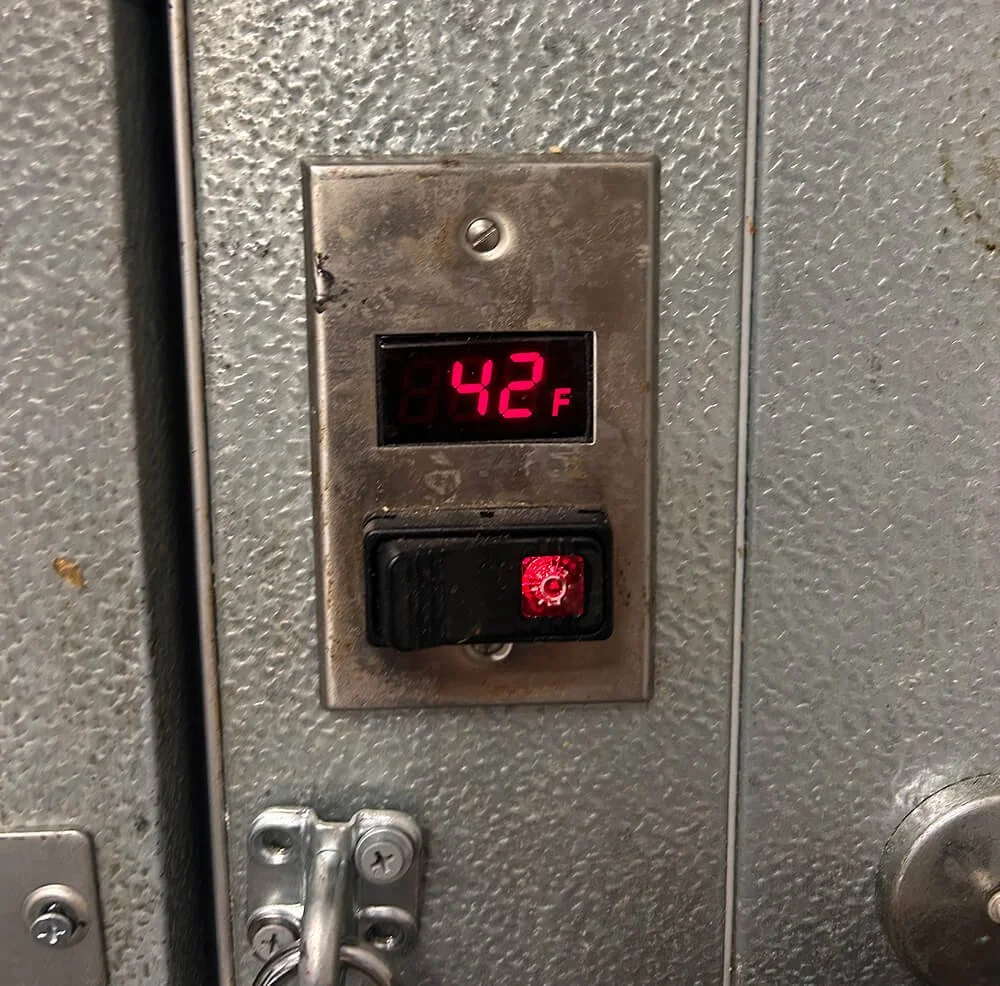
A digital temperature display is a useful starting point when checking whether a walk-in is maintaining the proper temperature.
Quick Checklist Before Opening a Service Ticket
1. Verify the Unit Has Power
It might sound obvious, but power-related issues happen more often than you might think. Start by asking yourself the following:
Has a breaker tripped?
Has a fuse blown?
Is the controller or thermostat display illuminated?
Are the interior lights working?
Now keep in mind that some walk-ins have separate electrical circuits for different components. For instance, you might have a temperature display that's lit up even though the refrigeration equipment isn't getting power. In other words, a lit display doesn't necessarily mean the entire system is running normally.
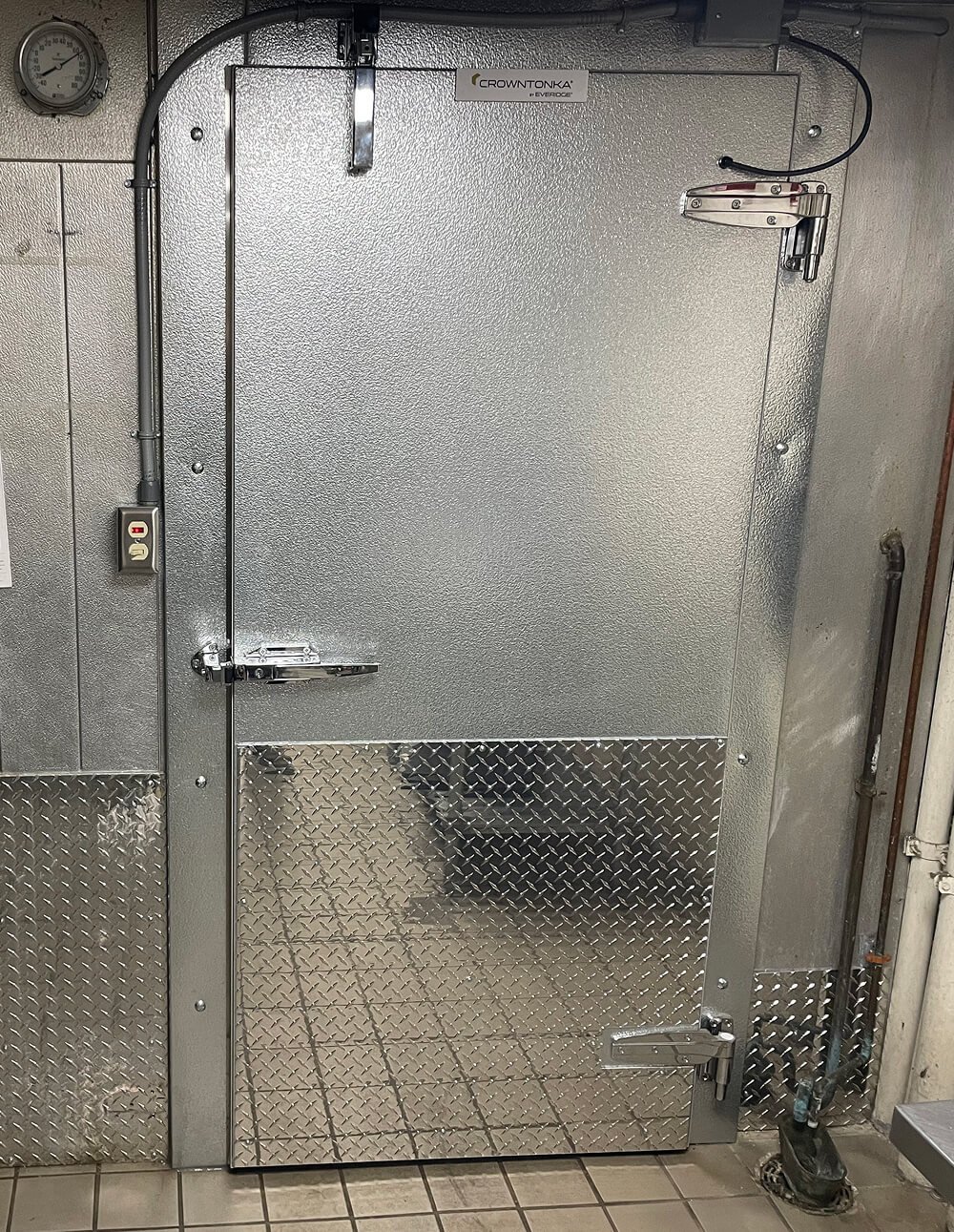
Walk-in temperature gauges provide a quick reference, while a written temperature log helps staff spot changes over time.
2. Is This a New Problem or an Ongoing Problem?
Before assuming something has failed, think about what happened right before the temperature started to rise. Ask your team::
• Was a large delivery recently loaded into the cooler?
• Was the door propped open during stocking?
• Has the door been opening more frequently than normal?
• Was the door left partially open?
Sometimes, walk-ins just need a little time to catch back up after a large amount of product is loaded or the door has been open for a while. So if one of the above scenarios happened recently, just monitor the temperature for an hour or so. If it starts moving back toward its normal operating range, then the system may just be recovering from the temporary heat load.
3. Listen for Operation
Walk-ins cycle on and off throughout the day, because refrigeration equipment isn't designed to run nonstop.
That being said, if you haven't heard the equipment running for a while and the temperature is higher than normal, then that could point to a power issue or equipment failure. On the other hand, if it sounds like it's been running constantly but the temperature isn't coming down, then that warrants a closer inspection by a technician. Funny noises from the equipment almost always means you need a technician.
4. Check for Airflow Obstructions
Take a look inside the walk-in and find the evaporator, which is the fan assembly mounted inside the box, near the ceiling. Now make sure that:
Boxes of food/product aren't stacked against the evaporator.
Product is kept at least 12 inches away from the unit.
Nothing is stored between the back of the evaporator and the wall.
Restricted airflow is a pretty common cause of performance issues; in fact, we see it all the time, especially when a facility has new staff who are unfamiliar with the equipment or when there are large events with extra inventory. These scenarios also make it easy for products to end up behind the evaporator, which can interfere with temperature-sensing components and give you misleading temperature readings.
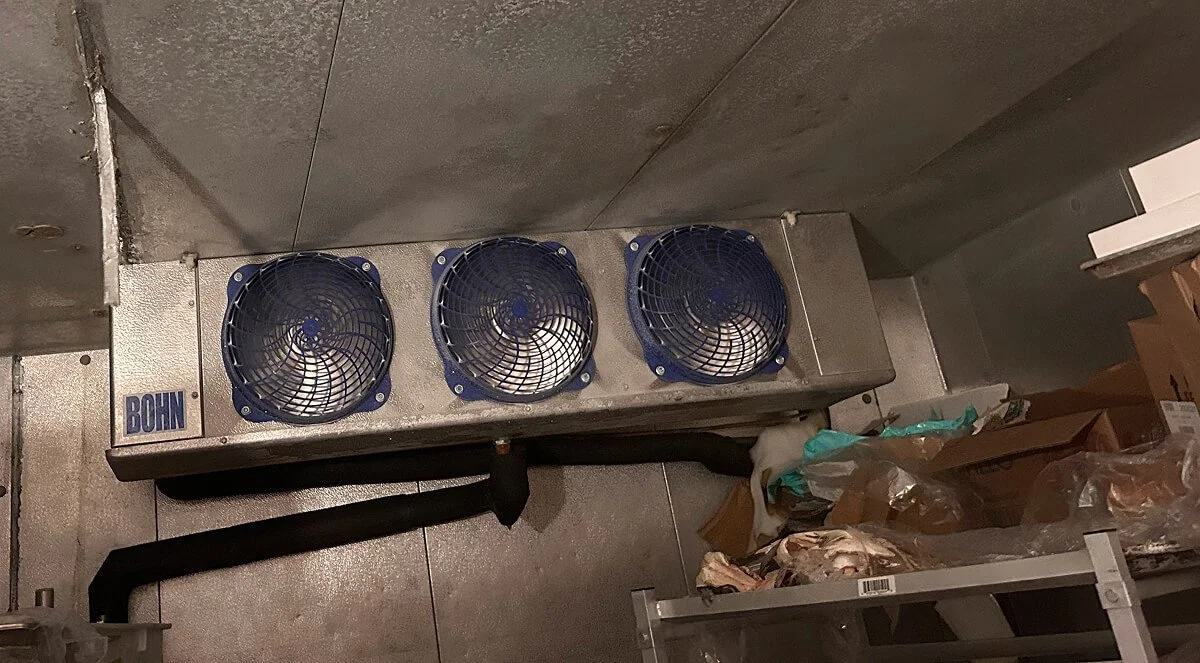
Product stored too close to the evaporator can restrict airflow and interfere with proper cooling.
5. Is the Evaporator Coil Dirty?
Did you know that dirty coils can restrict airflow and significantly reduce cooling performance? That's why it's a good idea to check it while you're looking at the evaporator. In most cases, you should be able to see right through the coil, but if it's so dirty that you can't even shine a light through it, then it's time to get it cleaned.
Cleaning the coils requires a service technician, but it will at least help to determine that the problem is more of a maintenance issue rather than an operating or a control setting one.
6. Check for Ice Buildup
Ice can tell you a lot about what's going on with a refrigeration system, so it's worth taking a quick look at the evaporator inside the box.
For coolers, ice on the evaporator is never normal and should be reported. For freezers, a light frost pattern may be normal, but heavy ice buildup is not. So if you see a heavy amount of ice accumulation on the evaporator or around the fan section, call for service and mention it when you open a ticket with a dispatcher.
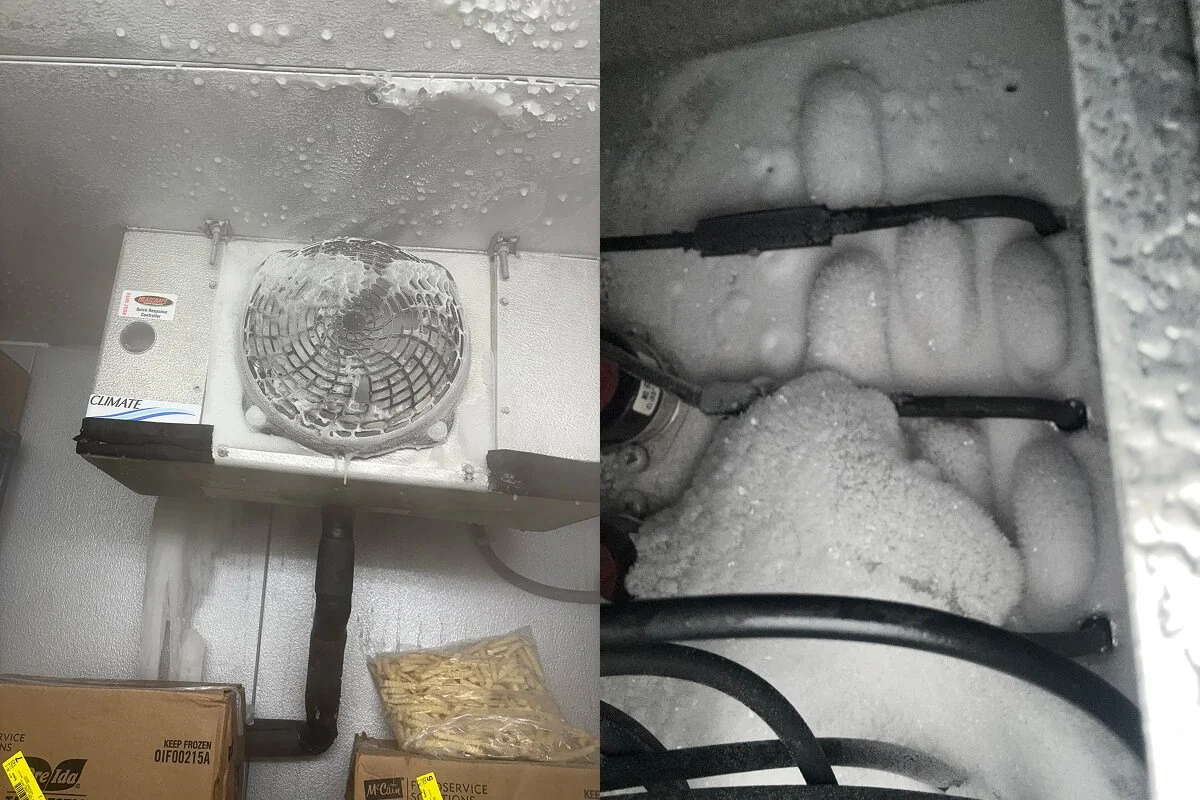
What the customer sees: Ice forming around the evaporator fan inside the walk-in.
What the technician finds: Heavy ice buildup inside the evaporator, visible after removing the cover.
Ice Can Build Up Where You Can't See It
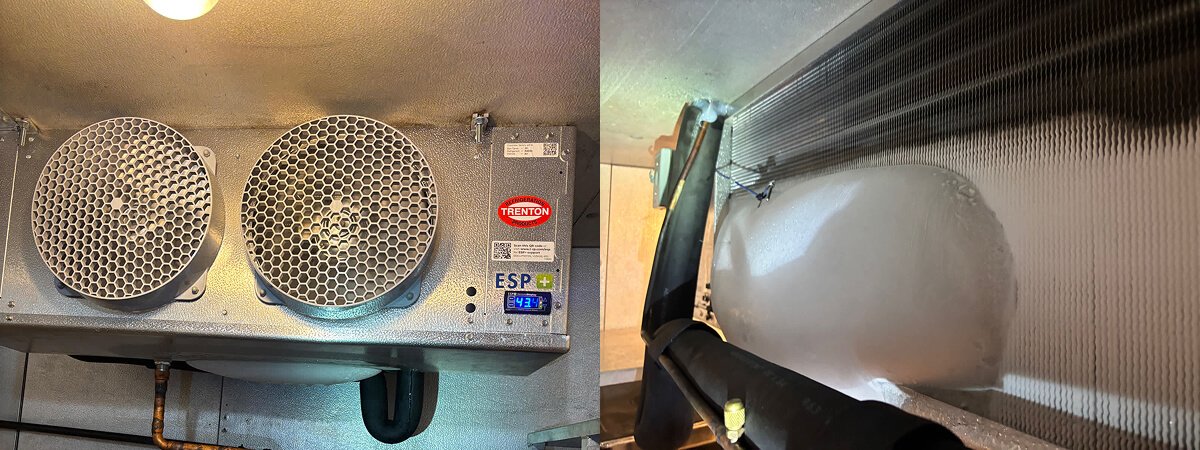
An evaporator may appear relatively normal from the front, even when significant ice buildup is present on the back.
This is one reason a professional inspection can reveal problems that aren't immediately obvious.
When Waiting Makes Sense
Sometimes, the best thing you can do is give the system a little time and watch what happens. Not every temperature spike means something has failed, because walk-ins usually need some time to recover when they've been under a heavier-than-normal load.
So if a large delivery was just received, the door was left open, or the cooler has been heavily used during a busy shift, it’s best to give the system some time to recover while keeping a close eye on its temperature.
Now, if the temperature starts going back to normal, consider it a good sign: you've probably found the reason it was running warm. But if the temperature keeps climbing or isn't improving, then it's definitely time to call for service.
When In Doubt, Call a Technician
The purpose of this checklist isn't to turn kitchen staff into refrigeration technicians.
It's just here to help you rule out some of the simple stuff before calling for service and, if you do need a technician, give them good information to start a diagnosis with.
So at the end of the day, use your best judgment, especially when you're dealing with food and inventory that can't afford to sit at the wrong temperature for too long.
But if you've gone through the basics of this checklist and the temperature still isn't coming back down, or you're worried about product safety, don't keep waiting and hoping the problem will fix itself.
Contact RJH Air Conditioning and Refrigeration Service so we can get your system back up and running in no time.